Trade with friends, not alone
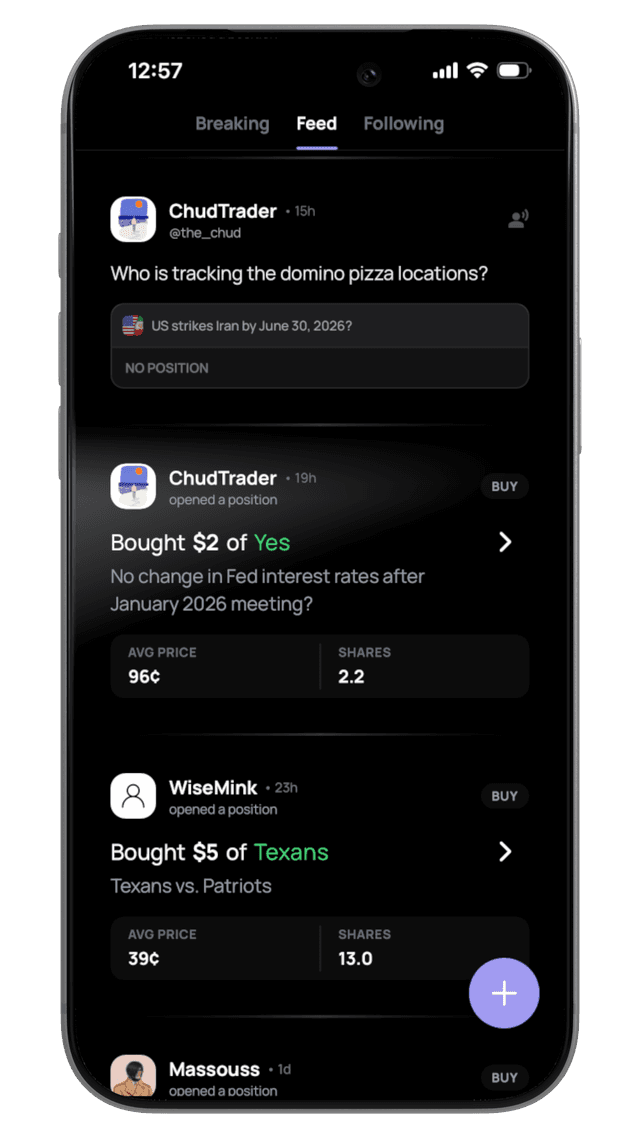
Ratio is a social prediction market app. Follow friends, copy top traders, track portfolios, and trade on real-world events — all in one place. See what your network is betting on and join the action.


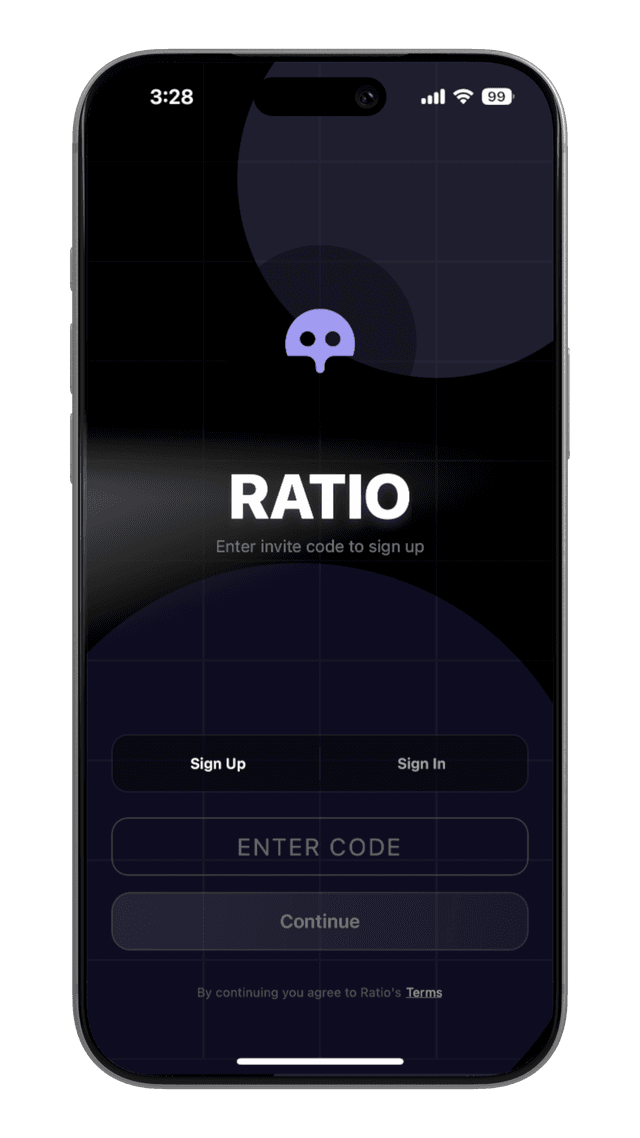
Sign Up
To create an account on Ratio, you'll need an invite code. We are currently in beta. You can then sign in with either Google or Apple.
Funding Your Account
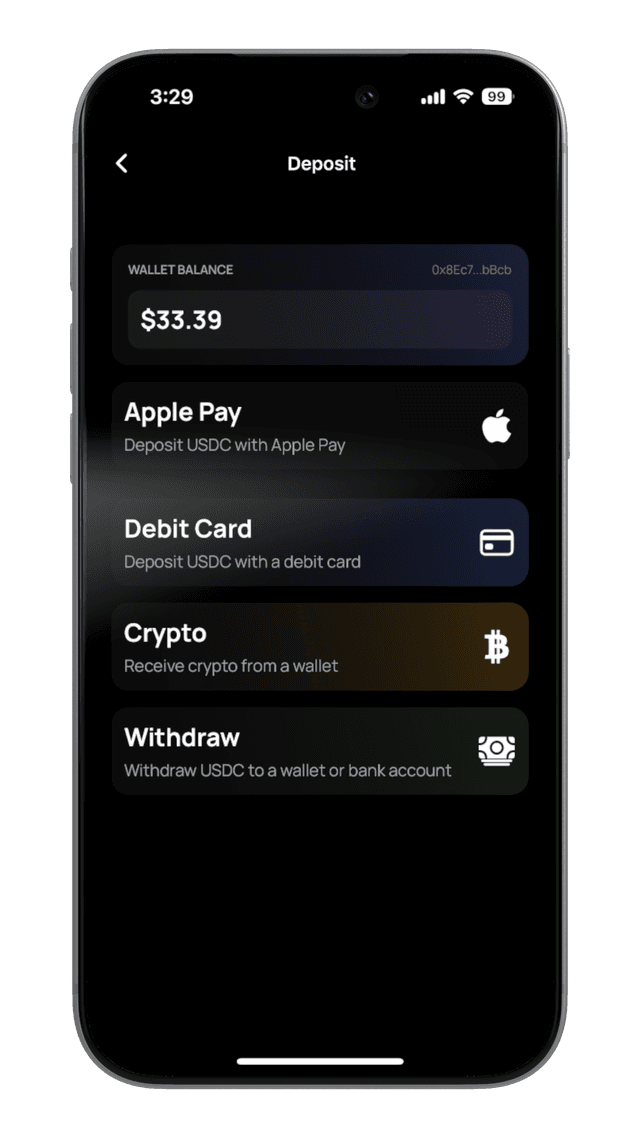
Choose from three convenient ways to fund your Ratio account:
Apple Pay
Quick and secure payments for instant deposits. Minimum $5. Requires phone verification. iOS only.
Debit Card
Direct funding for immediate access to trading. Minimum $5.
Cryptocurrency
Send crypto directly to your account. All deposits are automatically bridged to USDC.e on Polygon. Each chain has a minimum deposit amount shown in the app.
Polygon: USDC.e only
The Polygon address only accepts USDC.e (bridged USDC). Sending native USDC on Polygon will result in permanent loss of funds.
Rewards & Referrals
Tiered Referrals
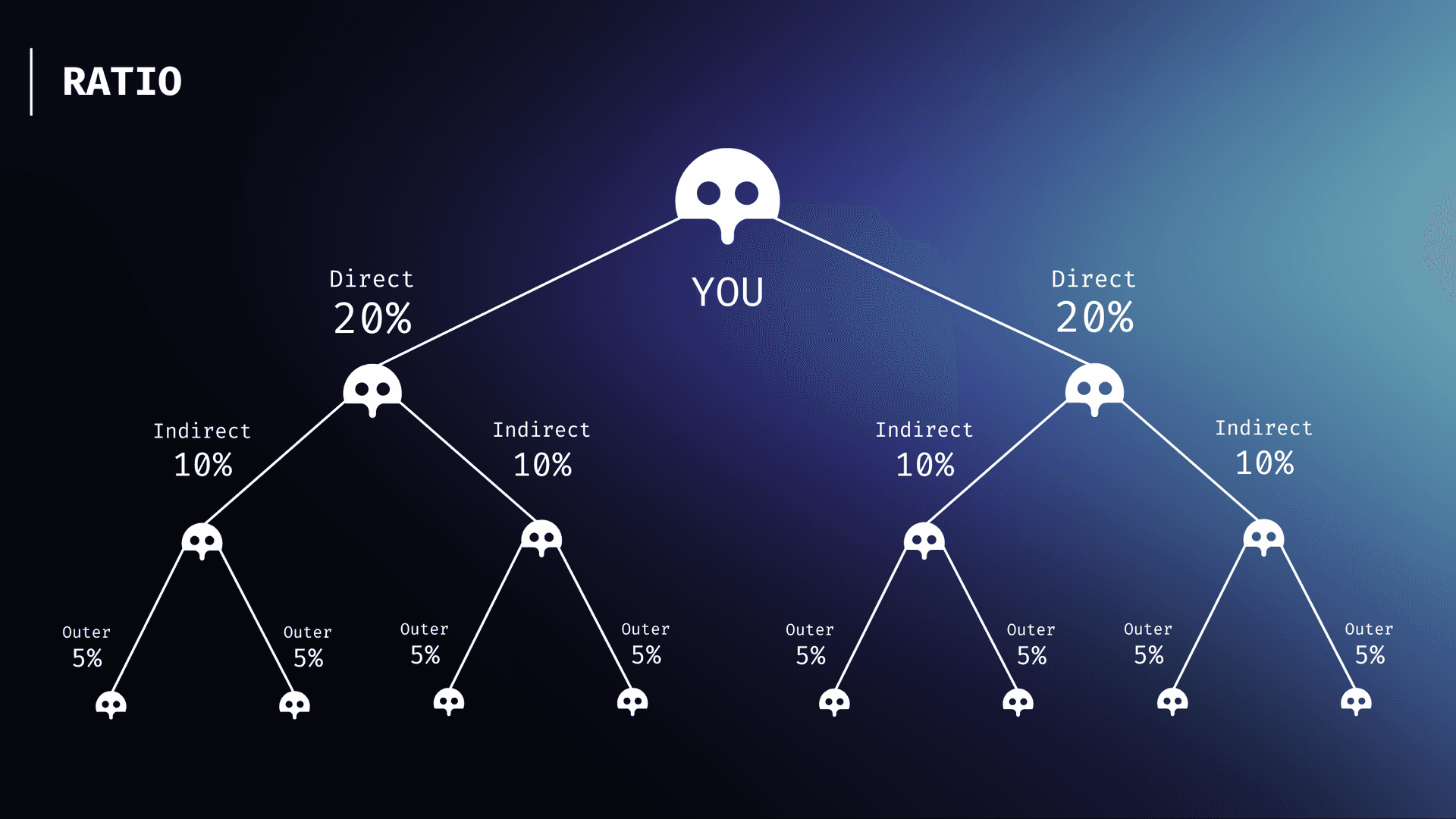
Earn a percentage of trading fees from your referral network. Every time someone in your network trades, you automatically earn a cut of the fees.
Level 1
Direct referrals earn you 20% of their trading fees
Level 2
When Level 1 users refer others, you get 10% of their fees
Level 3
Level 2 referrals bring in Level 3 users, earning you 5% of their fees
Three levels deep • Automatic payouts • No limits
Reduce Your Trading Fees
Refer enough people and you'll unlock lower trading fees for yourself. A referral counts as qualifying once the person you referred signs up and deposits at least $10.
Share your link
Send your referral link to friends
They deposit $10+
Once your referral deposits at least $10, they count as a qualifying referral
Your fees drop
Hit the qualifying referral threshold and your trading fees are reduced by 10%
Track your progress in the Rewards screen on your profile
Copy Trading
Automatically mirror the trades of any Polymarket trader. When they buy, you buy. When they sell, you sell. Choose how much to allocate and set safety limits to stay in control.
Find a Trader
Browse trader profiles on Ratio or paste any Polymarket wallet address. You can copy traders who aren't even on Ratio.
Configure Your Settings
Choose a copy mode (Portfolio Mirror, Fixed Amount, or Percentage), set your safety limits, and optionally enable slippage protection.
Swipe to Activate
Confirm with a swipe gesture. Your copy trade is now live. Trades will be executed automatically whenever the trader acts.
Trades Execute Automatically
When the trader buys or sells on Polymarket, our system detects the trade in real time and places a matching order for you using your configured settings.
Copy Modes
Choose how your trades are sized relative to the trader's activity. Each mode determines how much you spend (on buys) or how many shares you sell (on sells).
Portfolio Mirror
Match the trader's portfolio allocation proportionally. If they bet 10% of their bankroll, you bet 10% of yours.
- Automatically scales with the trader's confidence level
- Uses real-time on-chain balance data
- Minimum $2 per trade
- Best for: hands-off, proportional exposure
Fixed Amount
Spend the same fixed dollar amount on every buy trade, regardless of how much the trader bets.
- You set a specific dollar amount (e.g. $10, $50)
- Sells liquidate your entire position in that market
- Minimum $2 per trade
- Best for: consistent, predictable sizing
Percentage
Trade a percentage of the trader's size. If they spend $100 and you're set to 50%, you spend $50.
- Configurable from 1% to 100% via slider
- Applies to both buys (USD) and sells (shares)
- Minimum $2 per trade
- Best for: scaling with the trader's size
| Scenario | Portfolio Mirror | Fixed ($20) | Percentage (50%) |
|---|---|---|---|
| Trader buys $100 (10% of their $1,000 balance) | 10% of your balance | $20 | $50 |
| Trader buys $500 (50% of their $1,000 balance) | 50% of your balance | $20 | $250 |
Safety Limits
Set guardrails to control your exposure. All limits are optional and can be configured in Advanced Settings. If a trade would exceed a limit, the amount is automatically capped or the trade is skipped.
Slippage Protection
Prevents your trade from executing if the market price has moved too far from the trader's original price. Set a maximum percentage (e.g. 2%) that you're willing to tolerate.
Max Per Position
Caps the total dollar amount you can invest in any single market outcome via this trader. Once the limit is reached, further buys for that position are skipped.
Max Total Bankroll
Limits the total amount you allocate to a single trader across all their markets combined. When this limit is reached, all new buy trades from that trader are skipped.
| Limit | Scope | Minimum | Default |
|---|---|---|---|
| Slippage | Per trade | 1% | Off (2% when enabled) |
| Max Per Position | Per market outcome | $5 | None (unlimited) |
| Max Total Bankroll | All markets for this trader | $5 | None (unlimited) |
| Minimum Trade Size | Per trade | $2 (trades below this are skipped) | |
Copy Trading FAQ
Can I copy trade someone who isn't on Ratio?
Yes. You can paste any Polymarket wallet address and copy trade them directly. You can also assign them a nickname for easy reference.
How fast are copy trades executed?
Trades are detected and executed within seconds of the trader's transaction appearing on-chain. Our system monitors trades in real time via websocket connections.
Can I copy multiple traders at the same time?
Yes. Each copy trade relationship has its own settings, limits, and mode. You can configure them independently.
What happens if my balance is too low for a trade?
If your balance is below $1, the trade is skipped. If your balance is low but above $1, the trade amount is reduced to fit your available balance (after accounting for the 2.5% buy fee). Trades below the $2 minimum are skipped.
What happens if the trader sells a market I don't own shares in?
The sell trade is skipped. You will only sell shares you actually hold.
Can I change my copy trade settings after activating?
Yes. Open the copy trade modal for any active trader and adjust your mode, limits, or slippage settings at any time. Changes apply to future trades only.
How do I stop copy trading someone?
Open the copy trade settings for that trader and tap the red trash icon, then swipe to confirm. This stops all future copy trades but does not close your existing positions.
What order type is used for copy trades?
All copy trades use Fill-or-Kill (FAK) market orders on the Polymarket CLOB. This means the order either fills completely at the available price or is cancelled.
How it works
The process is simple: verify your conviction by taking a position, then share it with the world.
Pick a Market
Find a market you have strong conviction about—crypto, sports, or culture.
Tell the Story
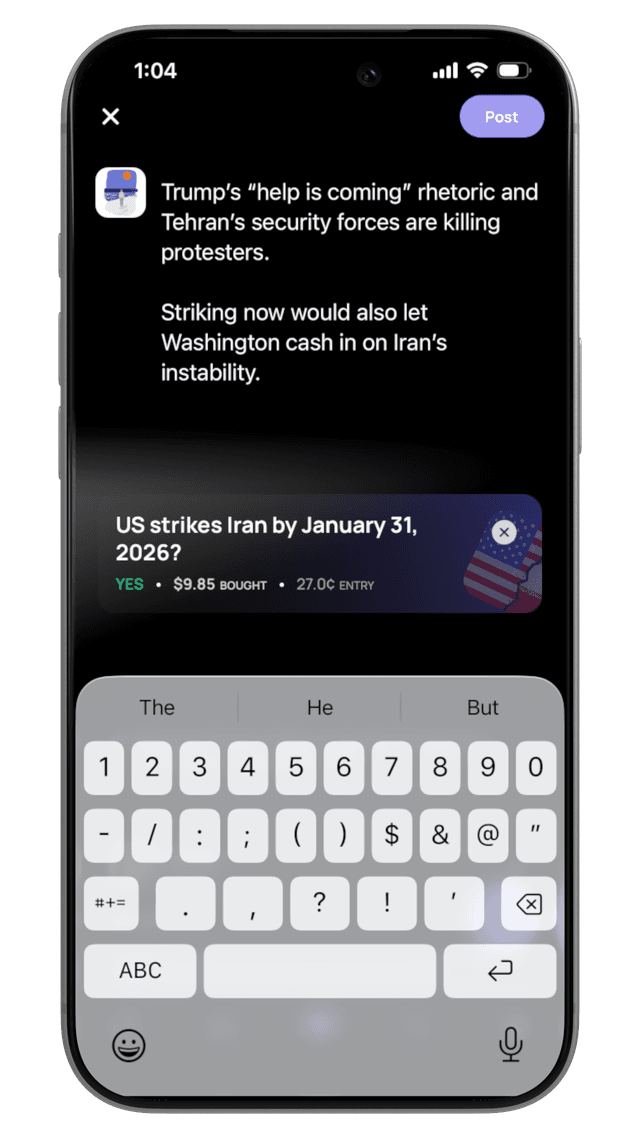
Create a post explaining why traders should buy into your position.
Earn Fees
Earn a cut of trading fees when users visit the market via your post.
Revenue Model
Unlike traditional affiliate models that pay once, Ratio's model is perpetual for the lifespan of the user's activity on that market.
| Action | Creator Share | Frequency |
|---|---|---|
| User Trade | 50% of fees | Per trade |
Picking the right markets
Success starts with selection. Look for markets with high volume but low information efficiency—where your unique insight can provide an edge to your followers.
Ready to Start?